Sunday, October 23, 2016

Post Nr.2


Scratch Cards
Scratch is a website in which you can create and program your own projects.
  • In Scratch you have different Scratch Cards, these are cards that Scratchers (the users of Scratch) use to learn how to program in Scratch.  Scratch cards provide a quick way to learn new Scratch codes.  For example, in class we learned a lot about gliding and key moves (these are codes), that can be taught with help from the scratch cards.


  • The card has two sides: The front of the card that shows what we can do, and on the other side  (that is supposed to be the back of  the card)  it shows you step by step what to do and how to do it. 

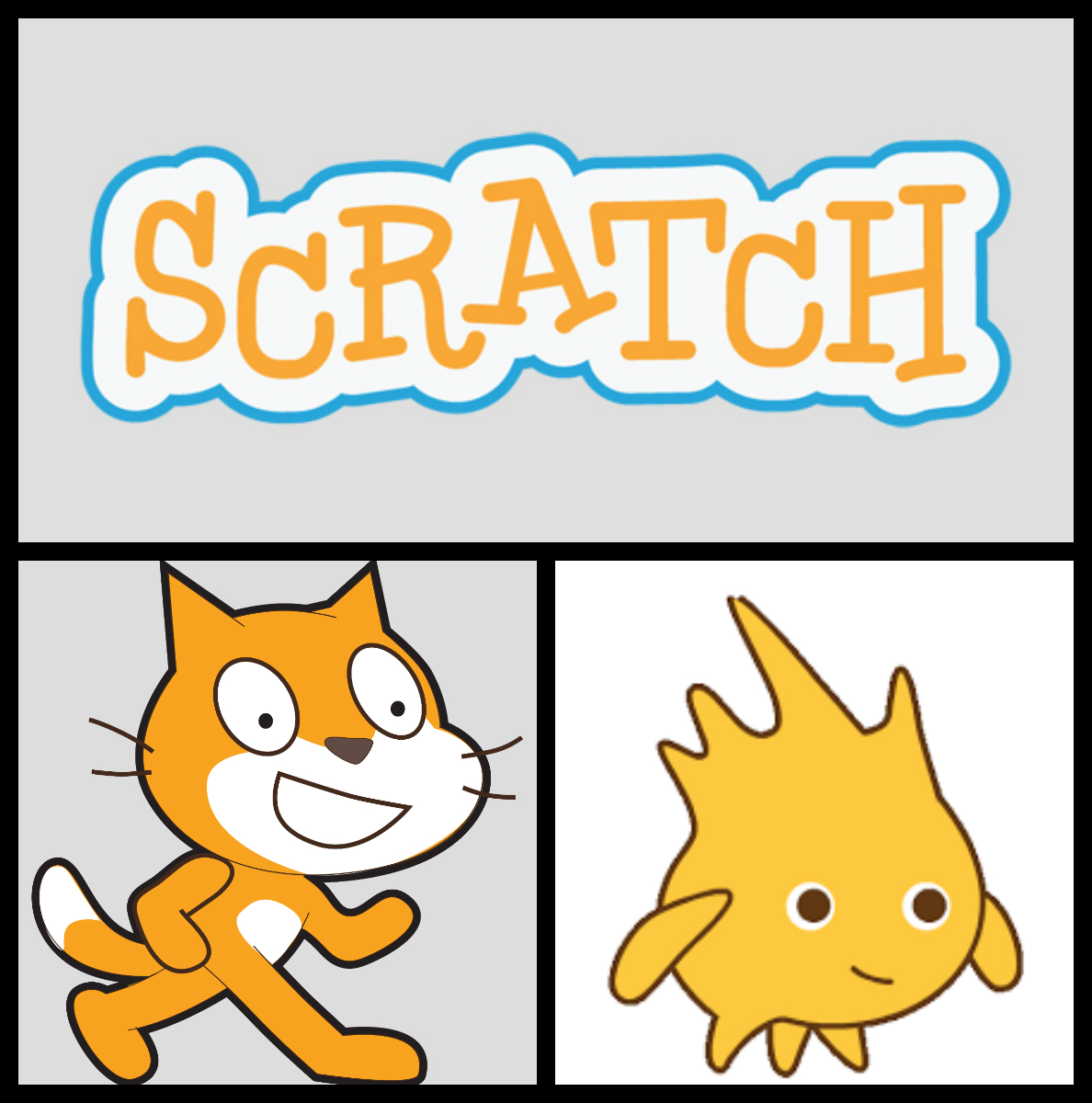
collage.jpg
Examples of scratch cards


  • These cards are like a guide for scratch, if you don't understand something in scratch you can check for it in the scratch cards. The scratch cards look like they were designed for little Kids and are very simple and basic, so you can understand them better.


169/160-180words


Post 2; 3.TERM- Lisette Habig, Britta Ensinck, Matías Brugo, Astrid Corbacho


Lap-counting

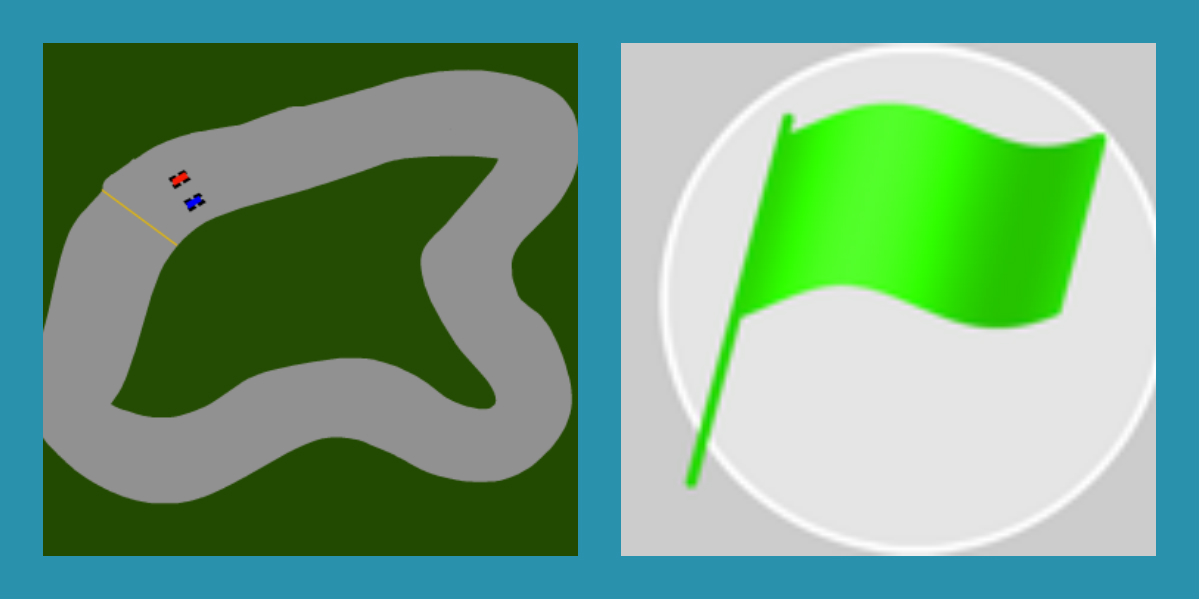
Build up a background and get a new Sprite (a car). On the background you have to add a little line to use as a finish line.

second post 2.jpg
"When the car passes the finish line, you add laps to your score"


Then choose the block “When green flag is clicked”.


second post 1.jpg
"The car starts when the green flag is clicked"

“Make a new variable (laps)”


“New blocks will appear”

Drag the one called “Set laps to 0” to the script and attach it to the first one.
Find four points on the race track, in the coordinate system, where the car has to pass by.

  • Left
  • bottom
  • right
  • on the finish line

Then take 5 “Wait until”. Depending on which points you have chosen, you have to pick up four blocks called “Bigger than” or “smaller than”. Attach them to the block of before.
Also depending on which points you have chosen, you have to pick up four blocks (“x position” or “y position”). Insert them in four of the “Wait until”.
In the last one, insert a block called “Touching color...”. Add the color of the finish line there. Put everything except the first two blocks in a loop called “Forever”.


wordcloud.png

Wednesday, October 19, 2016


Today, I am going to explain you  about variables. What is a variable. You can choose the name of the variable, and you can choose if you want to show it or not. You have to write the instructions of the variable. There are 3 instructions first there is the one that you can you to set the number of the variable to a specific one, independly of the last number from the variable. For insteance, when green flag clicked, set lifes to 0.  Then the other one is change by….  For insteance, when……. change lifes by 1. In that case you dont want to put the variable into a specific number, you just want to add 1 to the last number. You could also put change by -1 in that case, it would rest 1 to the last number.  Then you can put. If lifes equal 0  or less than 0 (with help of conectors) stop everyone. For that, there is a round orange thing wich says the name of the variable.


Tuesday, October 4, 2016

Post 1-Mercedes Albrecht, Alexia Descovich, Gloria Jung and Julieta Echarri

Post 1 - Scratch


Scratch is a free educational programming language used to create interactive stories, animations, games, simulations, etc. Schools use this program as an easy way to introduce students into computer programming. To create the animations, games, simulations, etc, you need to make a script. A script consists of different blocks that can make your creation begin, do sounds, move, and react to different motions. There is a “block palette” on the right side of the screen with different categories of blocks to choose from. To connect blocks, they have to be connected below or in another block. To separate them, you have to drag them apart from below.Scratch is also used by museums, libraries, community centers, and homes.You can also search for games, stories, animations and simulations in the different sections of the Scratch homepage or you can type in what you want to look for in the Scratch bar at the top of the page.Scratch also has its own paint editor and sound editor. You can share your creations with your friends and everyone in the Scratch community. Scratch’s slogan is "Imagine, Program, Share".


WordCloud

Scratch


FlappyBird
Logo

Audio

Sunday, October 2, 2016

Emilio.R Tino. K. Pedro. P Mateo S. Post 1

Scratch is a platform that can be used to program. You must seelct an object and write wich instructions you want to put it.
Those are the instructions, movement, events, pen,looks, controls, sound, operators, sensing, data and more blocks
At the first part of an instruction, there must be an event, you can select wich one. ¨. Then you can put a movement instruction like for example ¨move 10 steps¨, or you can put an look instruction like change color by 25. You could also put a pen instruction like pen down or change pen color by 25. And know I am going to explain what controls are. If you want to repeat and action 15 times, instead of writing the same thing 15 times, you can put a control in the instructions wich says  repeat 15 times. You can also put one wich says repeat forever. Operators are very usefull. I will explain just the basics. If you want to put an aleatory number, instead of a specific one, there is a operator for that. There are more.

1st. Post 3rd. Term Camila Moncayo von Hase, Juana Casado, Joaquín Arana and Felicitas de la Cruz

1st. Post

TEXT:


As we all know, you can use Scratch for programming your own interactive stories, games, animations and afterwards sharing them. It is designed in an really easy way and there are block sets that you use to make the character move, talk, make sounds, etc. These blocks are:

  • Motion
  • Events
  • Looks
  • Control
  • Sound
  • Sensing
  • Pen
  • Operators
  • Data
  • More Blocks

These different block sets are in total 10, but in this text we are only going to explain three. Motions, Events and Sound.

Motion blocks is one of the ten different categories of Scratch blocks. This block (and its Motion Stack blocks) are in a blue color and is used to control your the movement of your Sprites.

The Event block is light brown and it is used to sense events, which trigger the block sets (scripts) to run. The Event block is the most important one of the whole ten, because without the hat blocks you would not be able to begin your project (except by manually running the scripts).


IMAGES:
wordcloud.jpg
Wordcloud for the 1st. Post


We are learning programming on Scratch


AUDIO AND VIDEO:


3 term. Post Nr 1 Britta Ensinck, Astrid Corbacho, Listte Habig and Matias Brugo


What is Scratch?
Scratch.jpg
Scratch is a website where you can make games using figures.

  • Scratch is a program, that a lot of students in schools use in class.
  • You can create your own account and use it to program games and share your work.
  • You also have the possibility to play games, other users created.
  • When you first enter the page you find yourself a coordinate system. In the system there is an animated cat. This figure is called a sprite.

  • Sprite: These are different figures that perform the actions that you program. You can also change the sprite to different types of figures.
asdfghjk.jpg
You can change the figures color and also make the move.

  • Events:
  • What is an event?
  • Events are the oranges blocks that you can see in you screen.

"You need to use them when you want to determinate what you have to do make an action begin."

  • For example you can choose to click the green flag, the space bar, a letter, a number, an arrow, etc.. to start a specific action. There are 8 different event blocks: 6 Hat blocks and 2 Stack blocks.